
Inspections & eWarranty
Show the customer, then stand behind the work.
Photo inspections the customer opens from a link before you start, and QR warranty certificates anyone can verify after you finish.
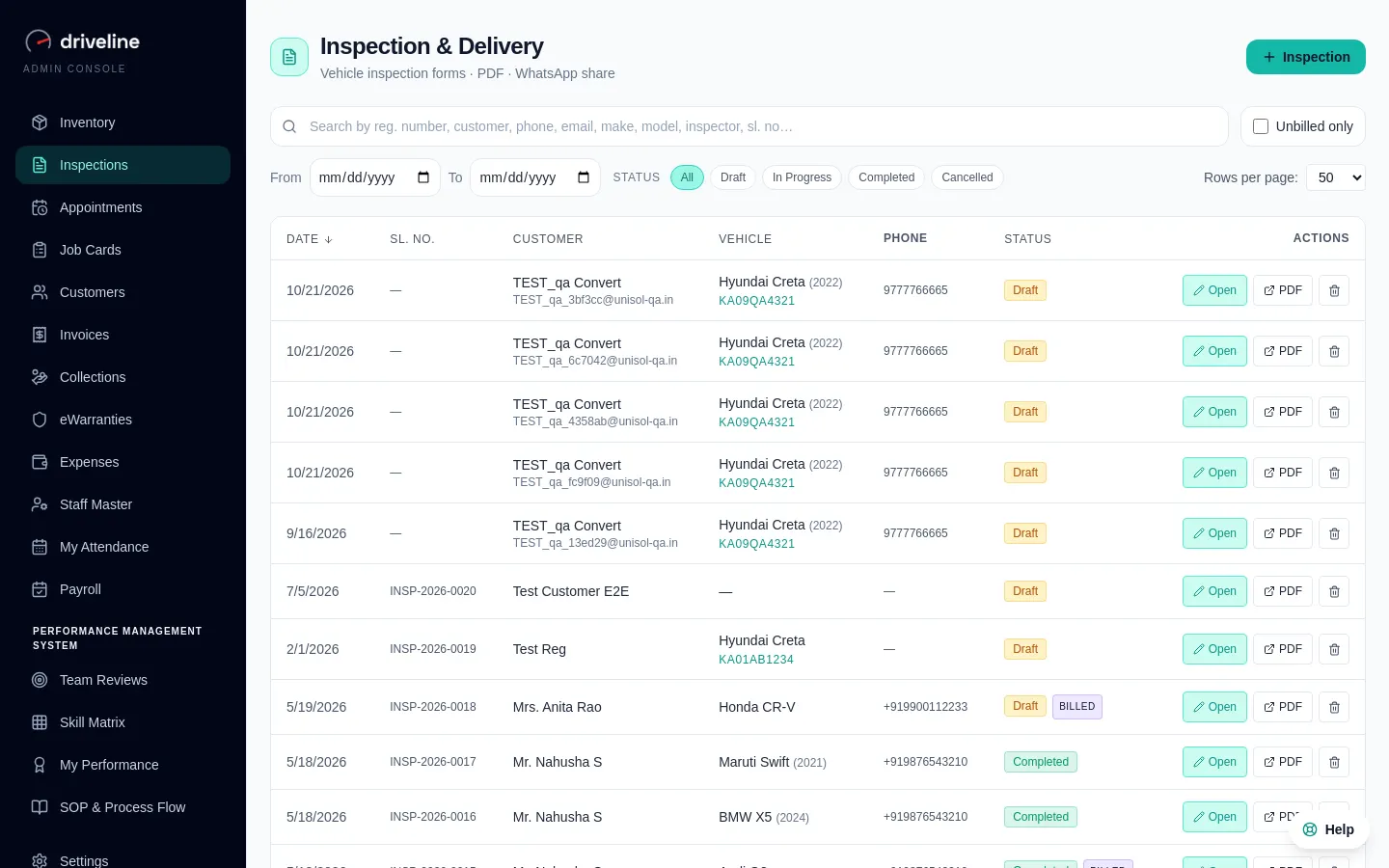
01
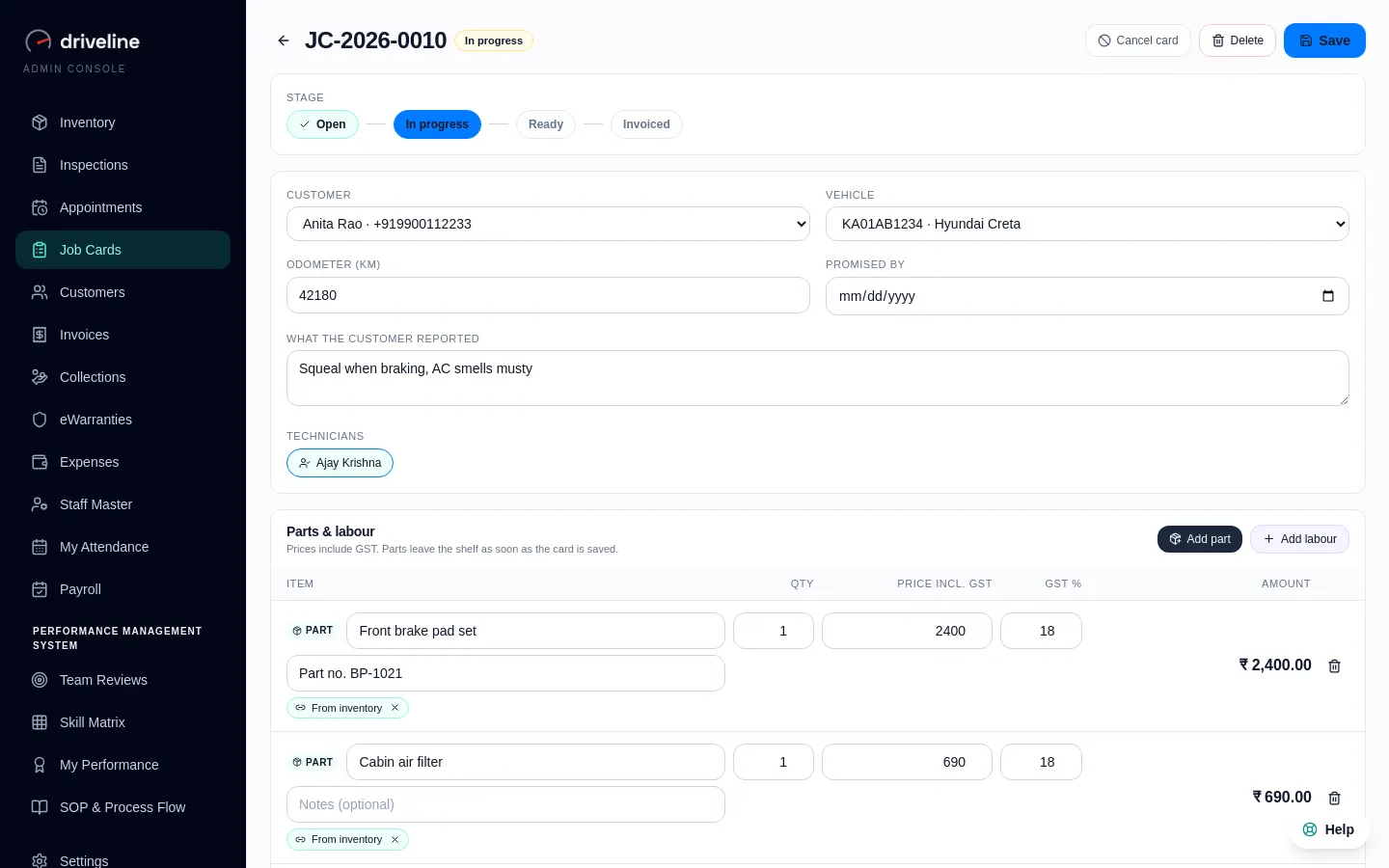
Linked to the job card
The inspection sits on the car’s job card, so the whole team sees what was found.
02
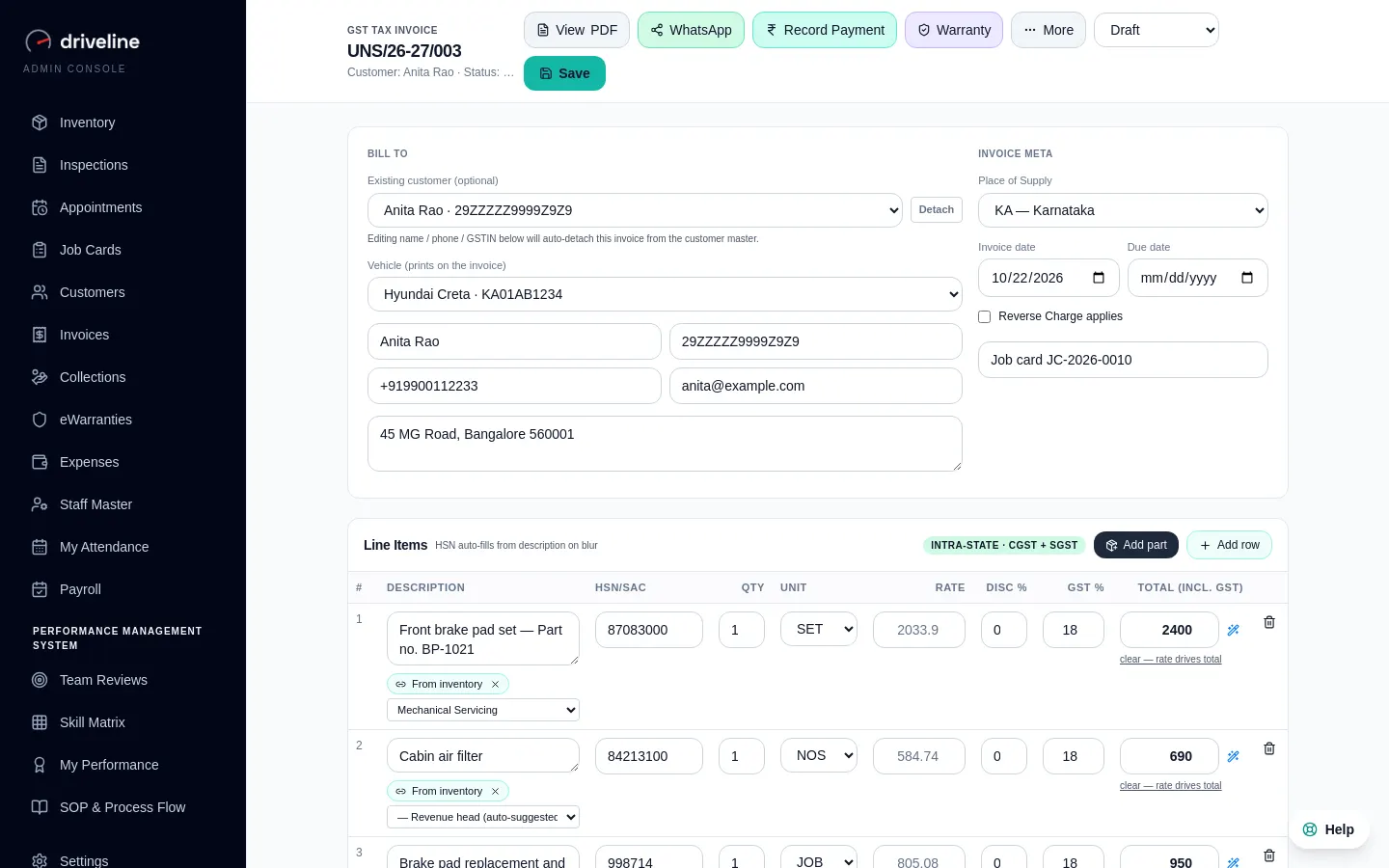
eWarranty tied to the invoice
Certificates with a QR anyone can scan, issued against the bill for the work.
03
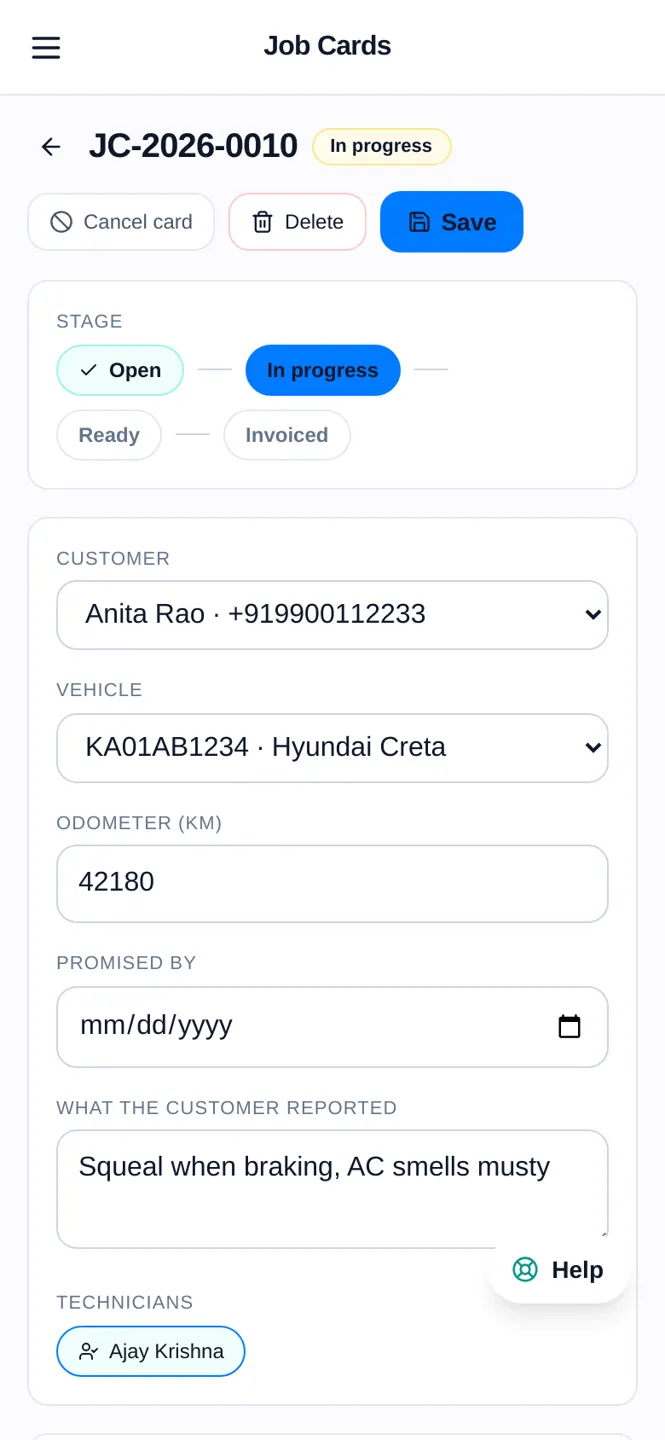
Shared to the customer’s phone
Reports and certificates open in any phone browser. No app, no PDF in an email.
How it works
4 steps, no training course.
- 1
Inspect the car with photos at check-in
- 2
Send the report link to the customer
- 3
Finish the job and raise the invoice
- 4
Issue a QR-verified warranty certificate
Questions
Inspections & eWarranty: your questions.
Also in Driveline
See Inspections & eWarranty on your own workshop.
Thirty minutes, on a call, with your kind of workshop in mind.