
Job Cards
Every car on the floor, on one screen.
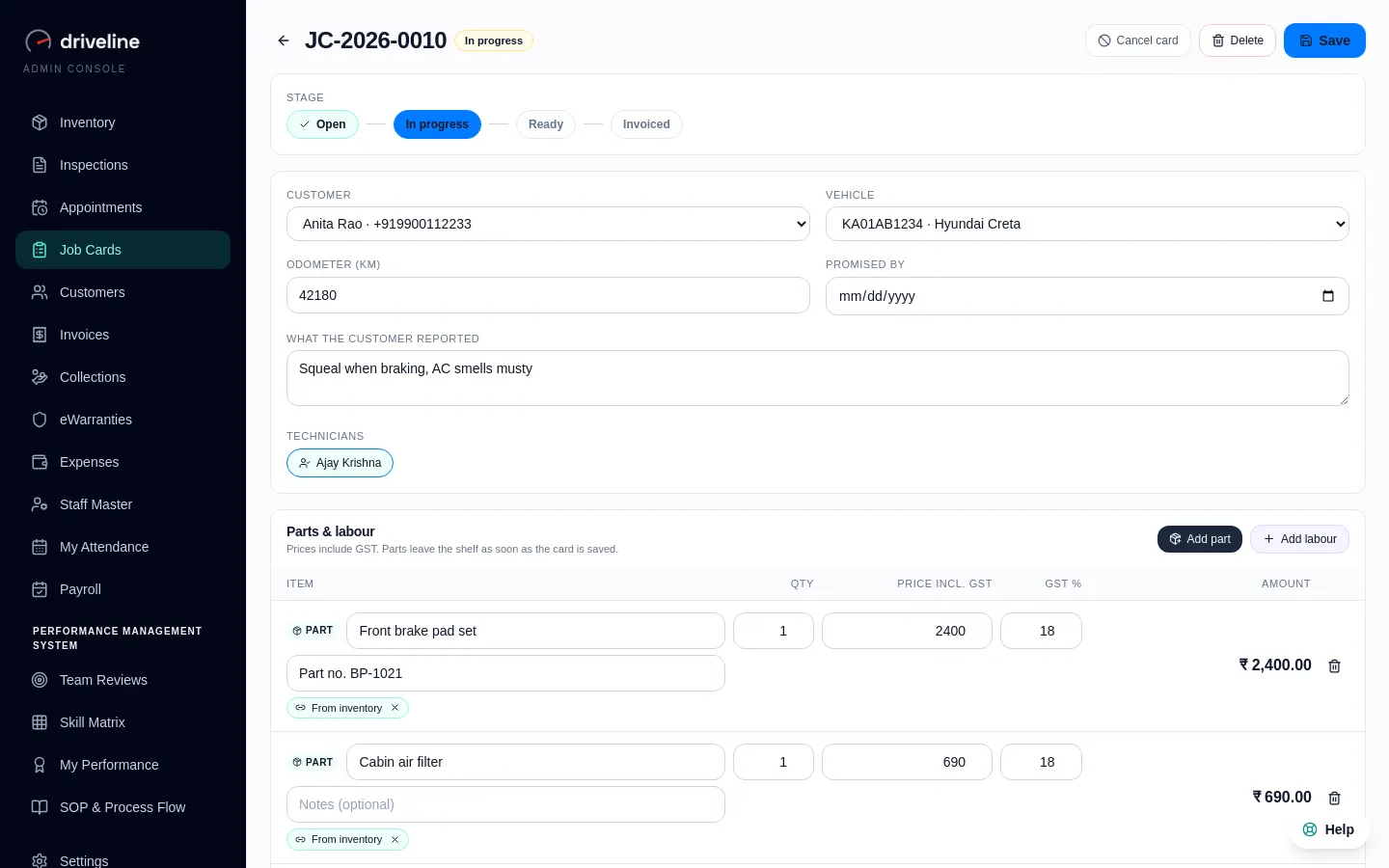
Job cards with parts, labour and the technician on them, from the moment the car arrives to the moment it is billed.
01
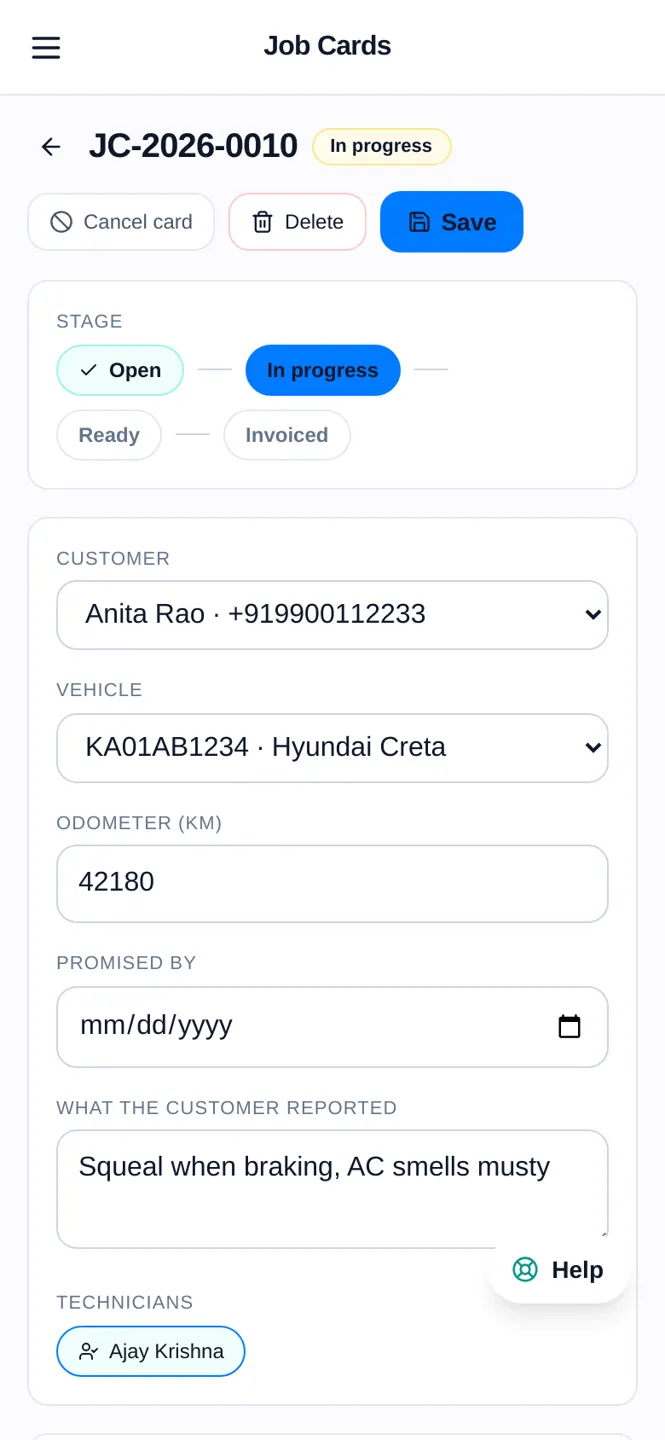
Works on the technician’s phone
Open and update job cards from a phone browser in the bay, moving each car from open to ready. Nothing to install.
02
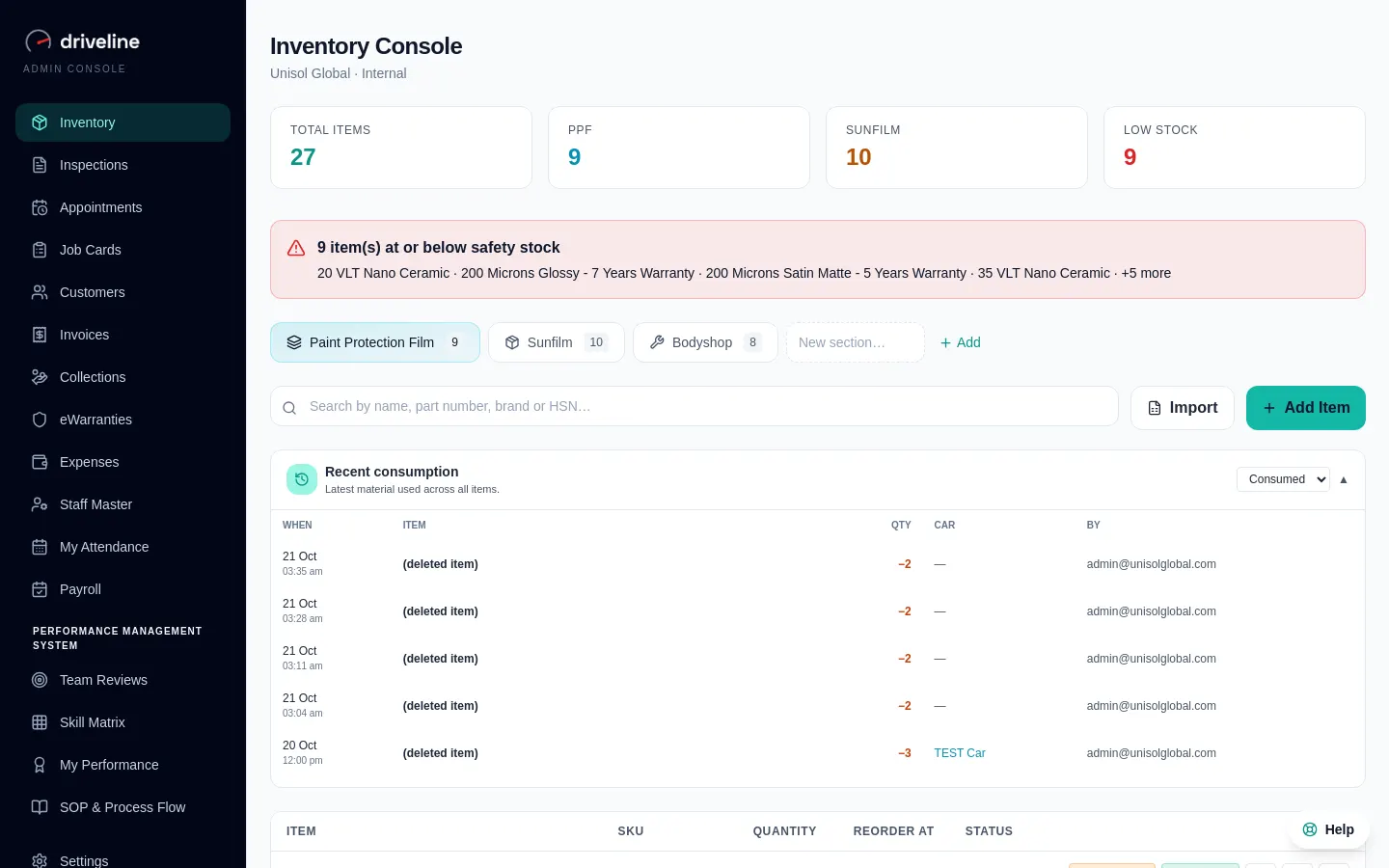
Parts come off the shelf as you add them
Pick parts from stock on the card. The shelf count drops at once, and never twice.
03
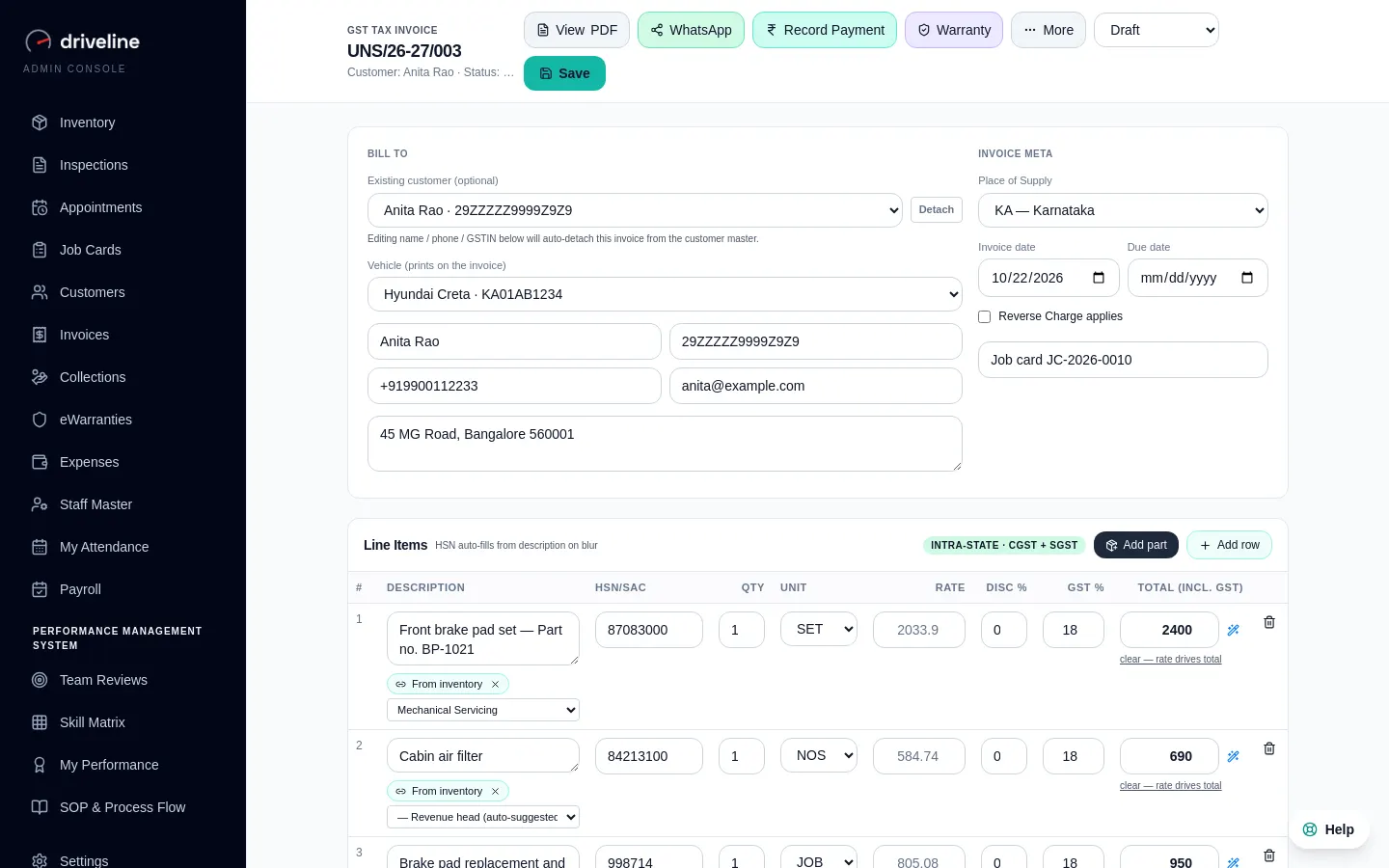
One tap to the invoice
When the car is ready, the card becomes a GST invoice with every line already on it.
04
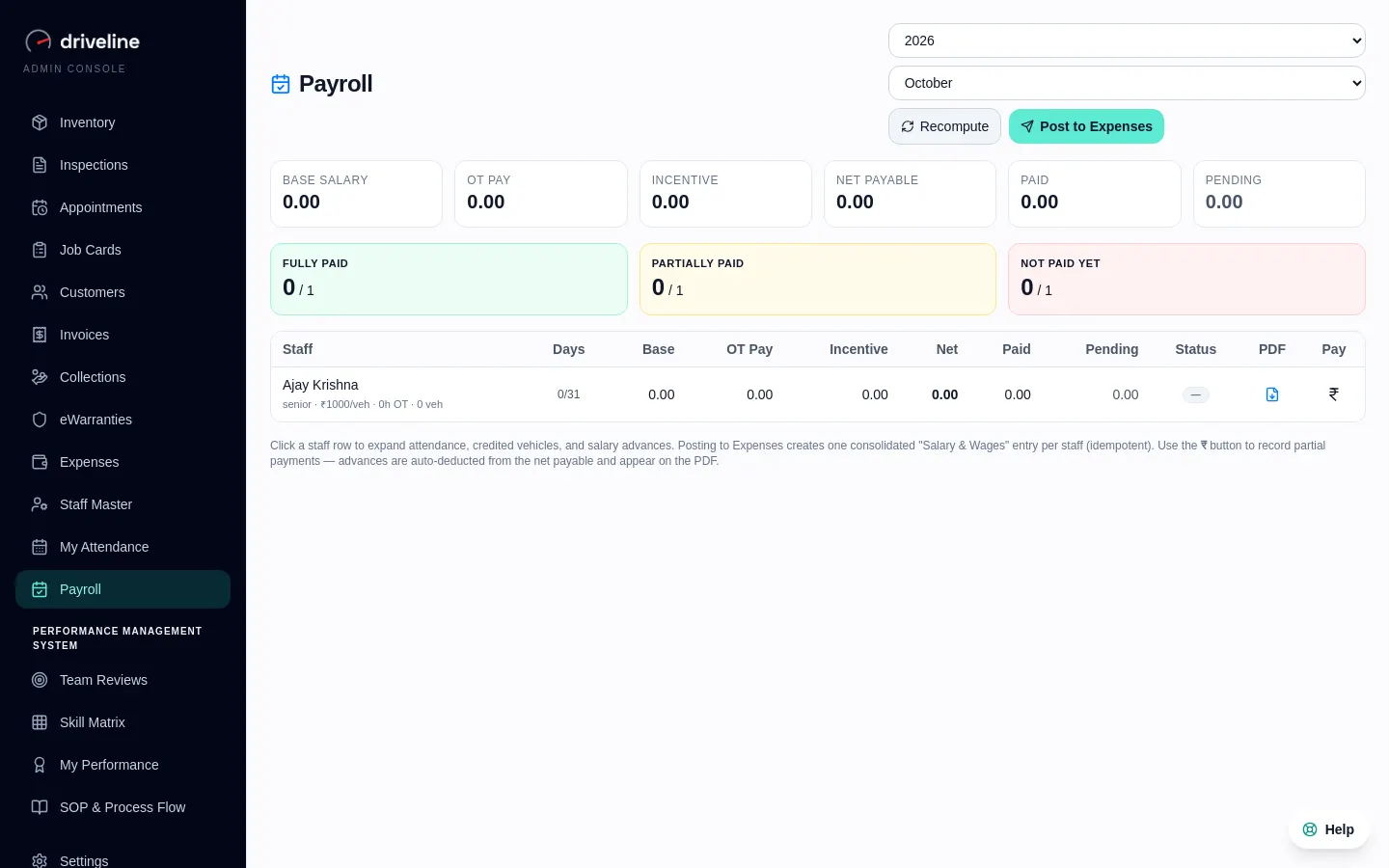
Incentives follow the card
Technicians on the card carry over to the invoice and earn their incentive in payroll.
How it works
4 steps, no training course.
- 1
Open a card for the customer and vehicle
- 2
Add parts from stock and labour lines
- 3
Assign technicians and move it through stages
- 4
Mark it ready and raise the invoice
Questions
Job Cards: your questions.
Also in Driveline
See Job Cards on your own workshop.
Thirty minutes, on a call, with your kind of workshop in mind.